How to Log In to Cohart
Overview
Logging in unlocks your Cohart account so you can buy tickets, join events, manage your artwork, and use organizer tools. It exists because tickets, RSVPs, purchases, and event management are all tied to an account — signed-out visitors can browse but cannot act. It is for anyone who already has a Cohart account, including people who started in the mobile app and are visiting the website for the first time. The Welcome back page offers three ways in: one-click sign-in with Google or Apple, or email address plus password. A successful login takes you to your dashboard, where your inventory, events, messages, and settings live. By the end of this guide you will be signed in and on your dashboard, ready to use the rest of Cohart.
Before you start
- An existing Cohart account — logging in cannot create one. No account yet? See How to Sign Up.
- Use the same sign-in method you registered with (Google, Apple, or email and password); a different method will not reach the same account.
- If you only use the mobile app and never set a website password, click Forgot Password? on the login page to set one up before signing in with email.
- Signing in only grants access to your account — it changes nothing about your events, tickets, or listings.
Steps
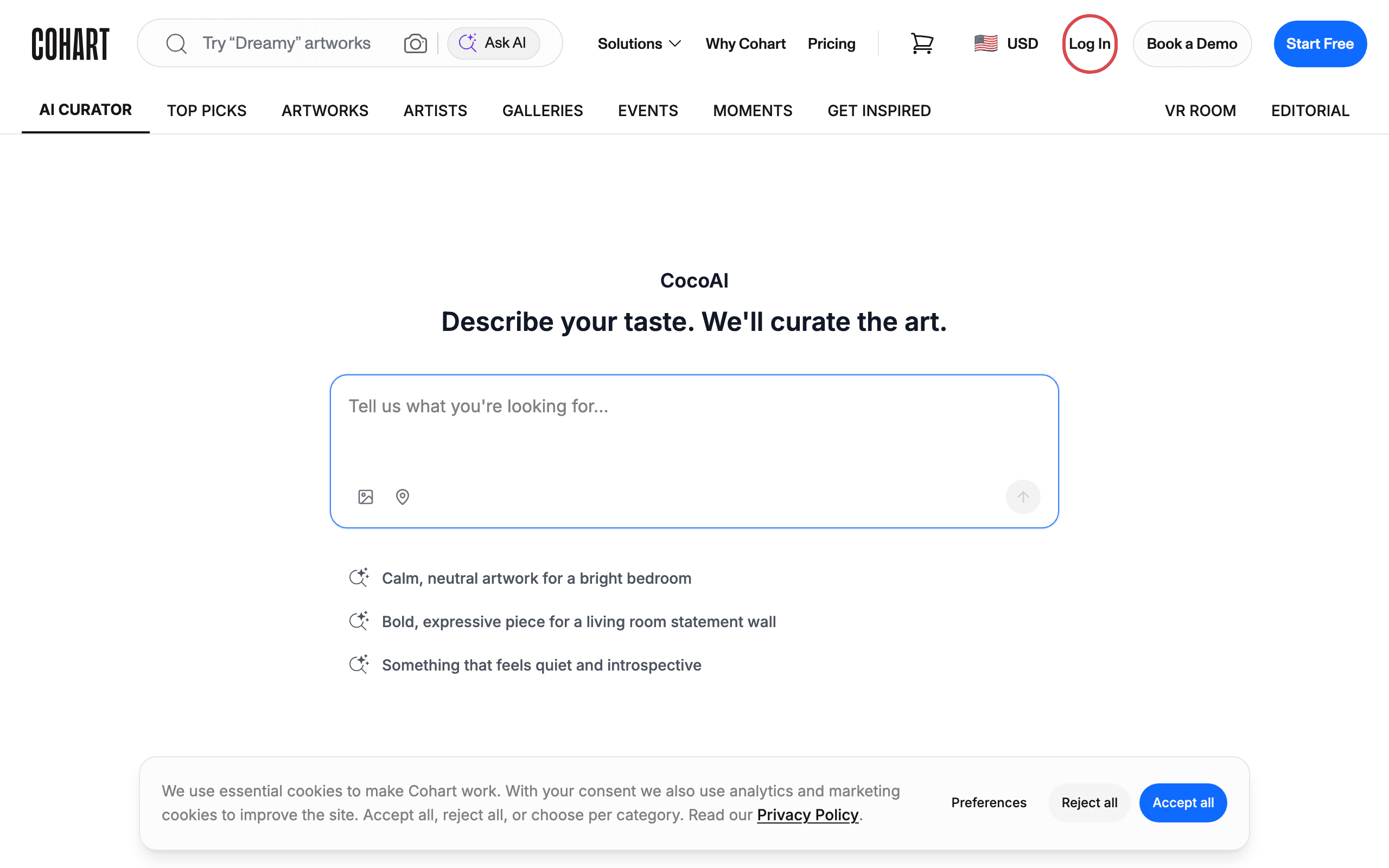
1. Open Cohart and click Log In
Go to Cohart. In the top-right corner of the page, click Log In.
2. Choose how you want to sign in
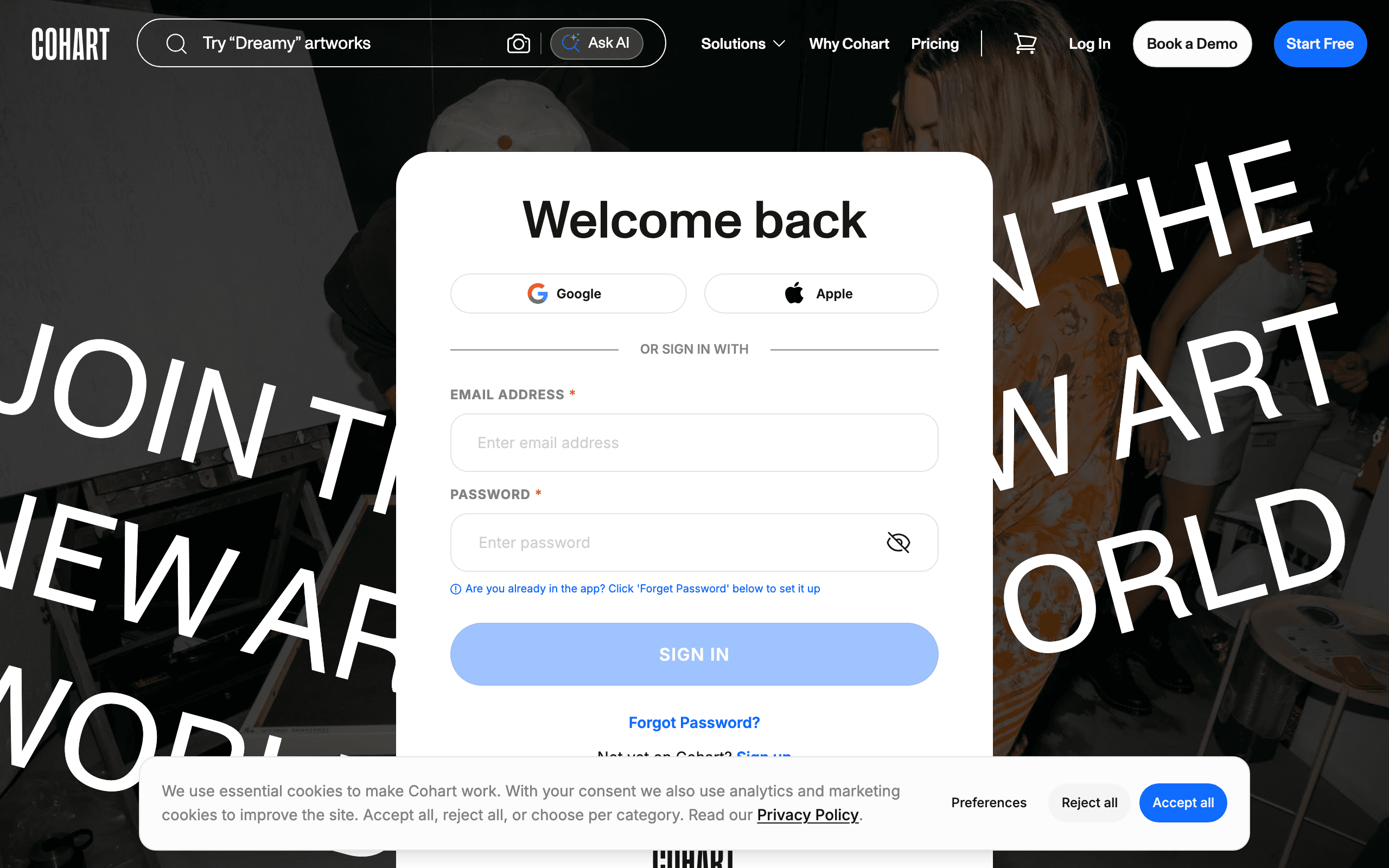
The Welcome back page gives you three ways to sign in:
- Google — click the Google button and choose your Google account.
- Apple — click the Apple button and follow the prompts.
- Email and password — continue with the next step below.
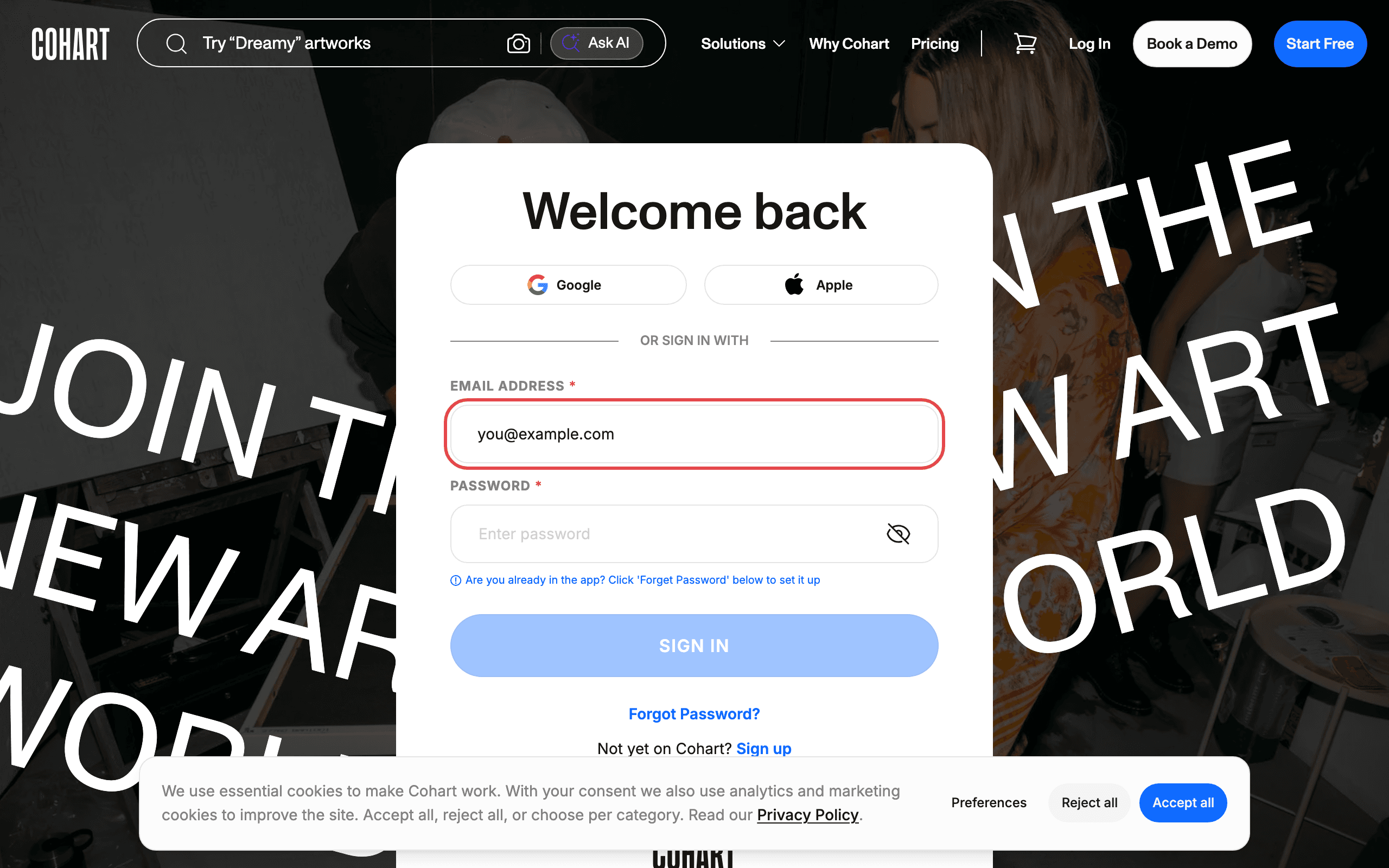
3. Sign in with your email
Enter your email address. Enter your password. Click SIGN IN.
Tips
- Don’t have an account yet? Click Sign up below the SIGN IN button.
- If you already use the Cohart mobile app but have never set a password for the website, click Forgot Password? to set one up.
Troubleshooting
- Forgot your password → the reset link is on the login page → click Forgot Password? to reset it.
- Still stuck signing in → the issue may need staff help → reach out via Contact Support.